add the following entry in setDomainEnv.sh as an extra java properties
EXTRA_JAVA_PROPERTIES="-Xmanagement:port=7091,ssl=false,authenticate=false,autodiscovery=true ${EXTRA_JAVA_PROPERTIES}"
export EXTRA_JAVA_PROPERTIES
The above entry is to enable the remote agent and make sure that the property is set while starting the weblogic server
Then try to create a new connection
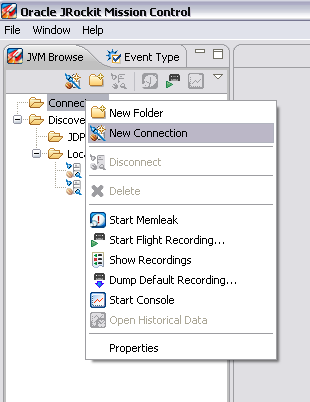
and then add the entries to connect to the remote weblogic server
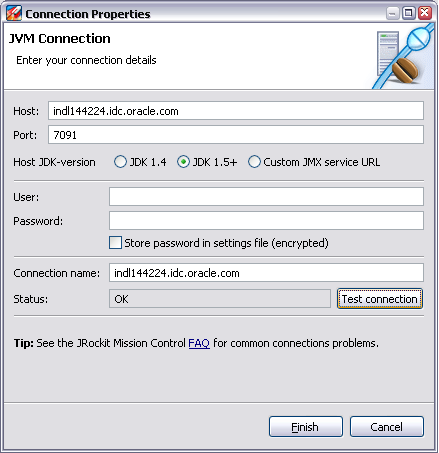
Test the connection and wait for OK and then press finish
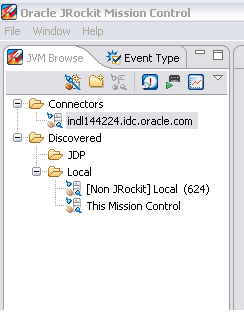
A new JVM connection is established.. Now you can proceed with the profiling and monitoring of the server
 They point the finger at me.. again!
now Business Events, that is pretty cool besuace we can integrate our Model logic with SOA composites through standard events.Ok did you try this with EDN. I only got this working when I deploy the adf webapp on the soa server thanks Edwin