useful support link for oracle is here
https://support.us.oracle.com/oip/faces/secure/ml3/homepage/home.jspx
useful support link for oracle is here
https://support.us.oracle.com/oip/faces/secure/ml3/homepage/home.jspx
This might be a basic information for some experts out there but I felt its worth mentioning it here
how will u differentiate between services and the SID to connect to Oracle using JDBC in the connection string
for SID: it goes like
jdbc:oracle:thin:@localhost:1521:XE
for Services you specify like
jdbc:oracle:thin:@localhost:1521/XE
 Class.forName("oracle.jdbc.driver.OracleDriver");
 conn =
 DriverManager.getConnection(jdbc:oracle:thin:@localhost:1521/XE,system,tiger);
 Statement stmt = conn.createStatement();
 ResultSet rset = stmt.executeQuery(query);
Finally.. I have reached this point.. all out of frustrations.. 🙂
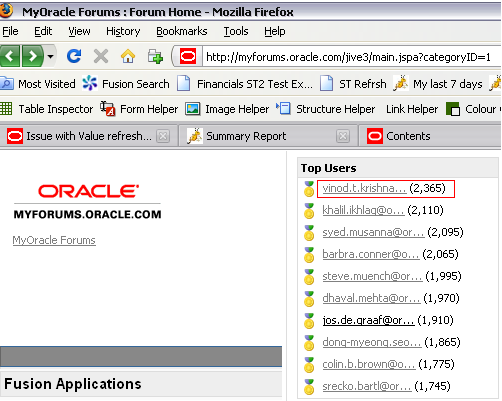
I started this from December 2009(last 6 months was awesome)
Ever wonder how files are identified correctly as jpeg, gif or even class file for that matter by the OS.
Its all magic.. 🙂
Magic numbers are those which are prefixed at the start of the file in ASCII code to identify the file format.
Some of the common magic numbers are
Class byte code starts with hex - CAFEBABE
GIF image files have 'GIF89a' (47 49 46 38 39 61) or 'GIF87a' (47 49 46 38 37 61)
JPEG image files begin with FF D8 and end with FF D9
PNG image files begin with "\211 P N G \r \n 32 \n" (89 50 4E 47 0D 0A 1A 0A)
ZIP files begin with 'PK' (50 4B)
PDF files start with '%PDF' (25 50 44 46)
 They point the finger at me.. again!